Northfork Trades user guide
How to run your day in Northfork Trades, from a customer’s first call to a signed estimate, a job on the calendar and a repeat visit. Written for owners and office staff of small trade businesses: tree care, cleaning, engine repair, snow removal, junk removal, yard care and handyman work.
How a job flows
- A request comes in. From your website or a phone call. See Leads and requests.
- You build the price. Pick services from your catalog and Northfork Trades adds it up. See Estimates.
- The customer signs online. They get an email, read the estimate and accept it. No account, no app.
- You put it on the calendar. Set the date and assign your crew. See Scheduling and crew.
- Repeat customers repeat themselves. Set the visits up once. See Recurring service.
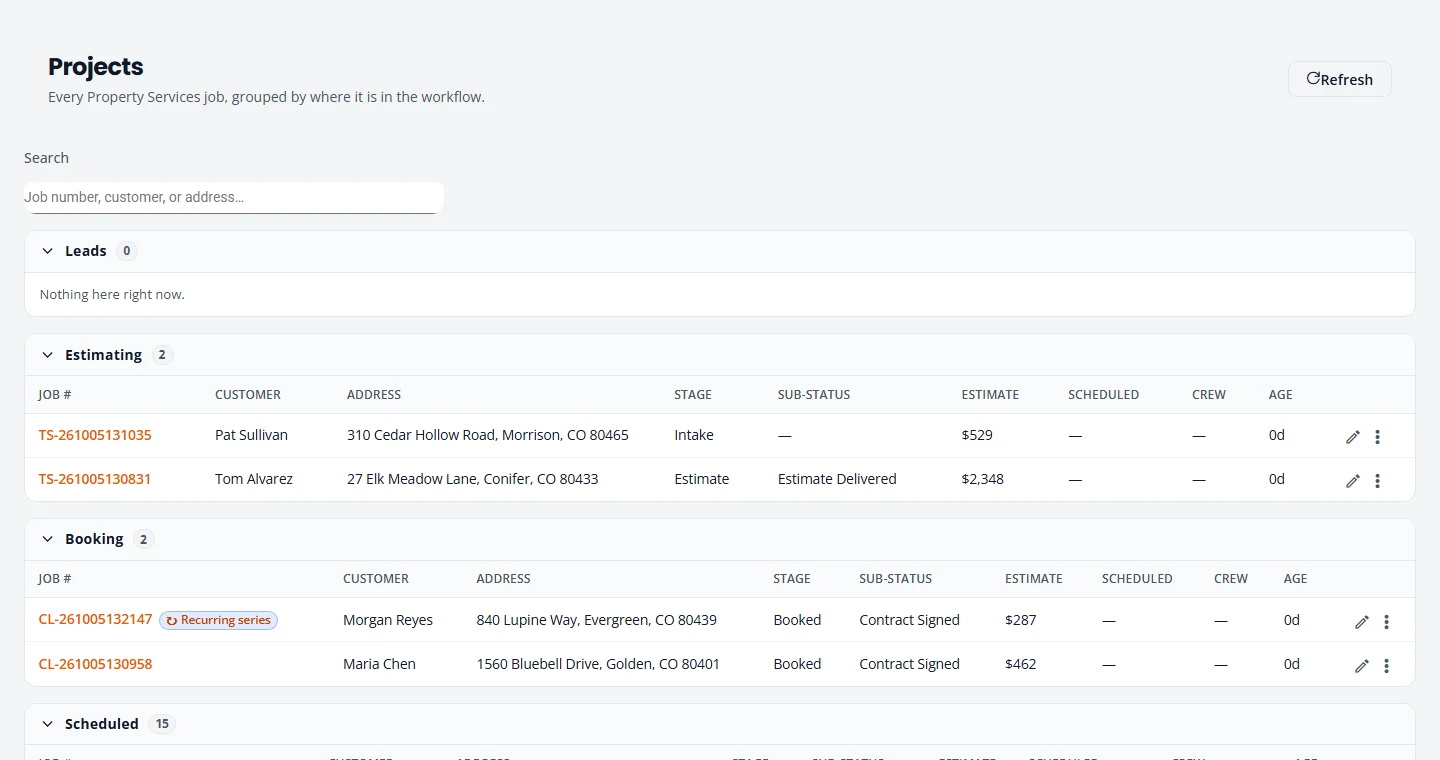
Select any picture in this guide to open it full size.
Topics
- Getting startedSign up, sign in with a code, set your deposit, terms, logo and reply-to address, and work through Finish setting up.
- The menuWhat each screen is for, and what changes with your kind of work.
- Leads and requestsCatch website requests and phone calls in one place.
- EstimatesBuild a price, send it, and get it signed online.
- Online paymentsTake deposits and final invoices online through Stripe, with refunds, sales tax and QuickBooks.
- Scheduling and crewPut jobs on the calendar, assign your crew, and keep jobs moving.
- Recurring serviceSet up repeat visits, then move, skip, pause or end them.
- Customers and reviewsFind a customer and their jobs, keep them informed, and ask for Google reviews.
- Service CatalogAdd and edit your services, set your prices, difficulty tiers and minimum charge.
- Your settingsKinds of work, deposits, terms, branding, email, your team, your subscription and signed-in devices.
- Tree careDump sites, haul-away, site conditions, climbing and equipment.
- CleaningProducts & Supplies, product lines and pricing by condition.
- Engine repairSmall-engine service: build your own catalog and quote one total per repair.
- Snow removalSeasonal customers, the storm route, and the texts customers get when it snows.
- Yard, junk and handymanYard care and cleanup, junk removal and hauling, and handyman work.
- FAQ and helpCommon questions, what is not here yet, and how to reach us.
New here? Do these five things first
- Finish your setup: deposit, terms, time zone, logo and reply-to address.
- Add your office staff under Settings, Team.
- Set your prices in the Service Catalog.
- Add your crew.
- Send yourself a test estimate and sign it, so you see what your customers see.
Can’t find what you need? Email [email protected] and tell us what you were trying to do.